
Appearance
Required Payment Fields
Configuring payment fields
Some of the fields in the payment screen are configurable, they are:
Under customer details:
- Date of Birth
- Notes
- Custom Payee fields
Under payment details:
- Invoice field types
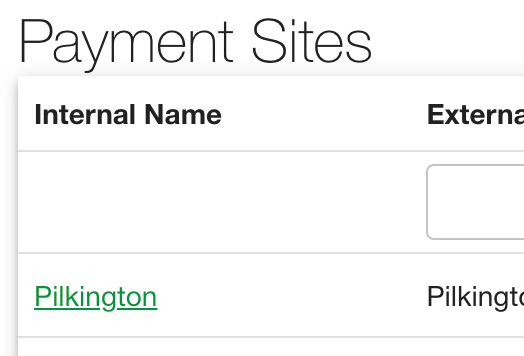
To configure these payment fields, navigate to "Payment Sites" on the menu bar.

Select the site's name of the payment page to be configured.
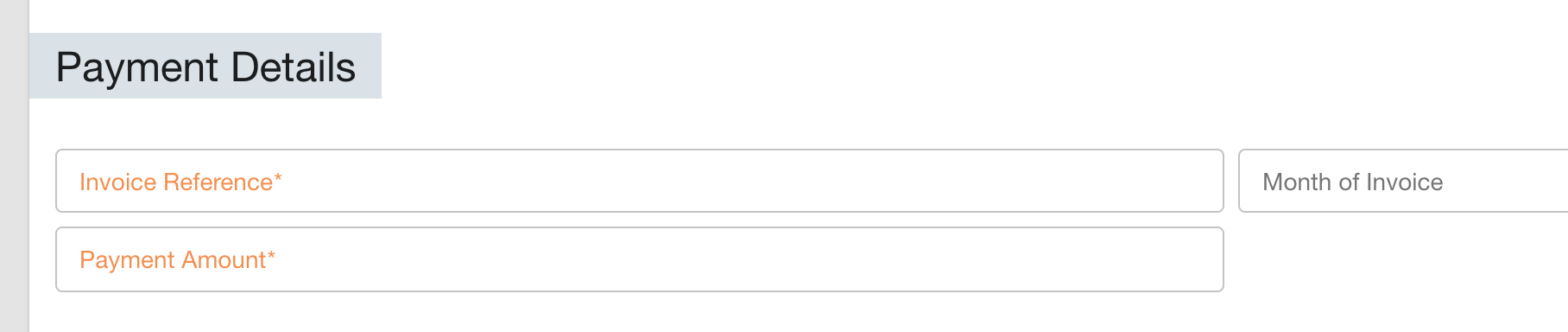
Payment Details
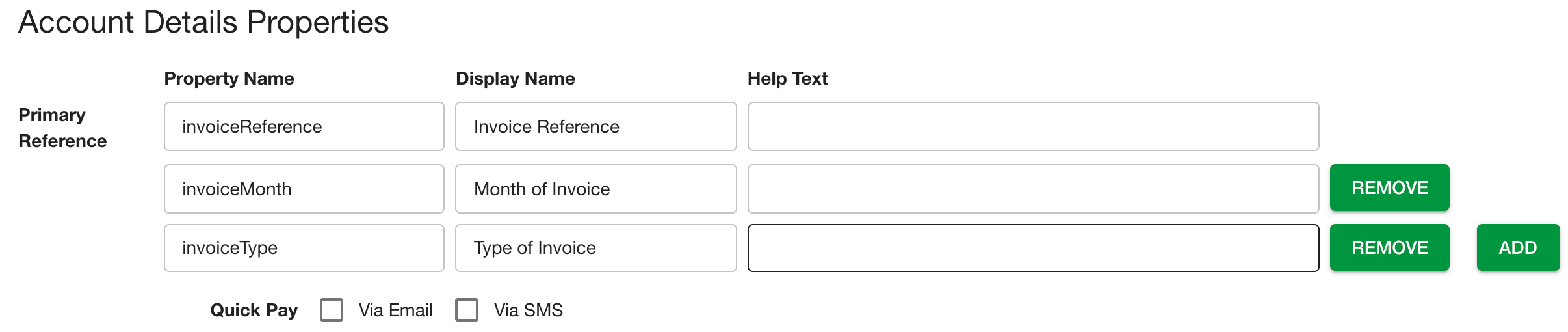
For invoice fields, go to "Account Details Properties", here you can add or remove fields.

Changes made will reflect on the payment details section of the payment page.
For example, to add "Invoice Type" as a field, simply select "Add" and choose the "Property Name" and "Display Name", if you would like you can also add a help text.
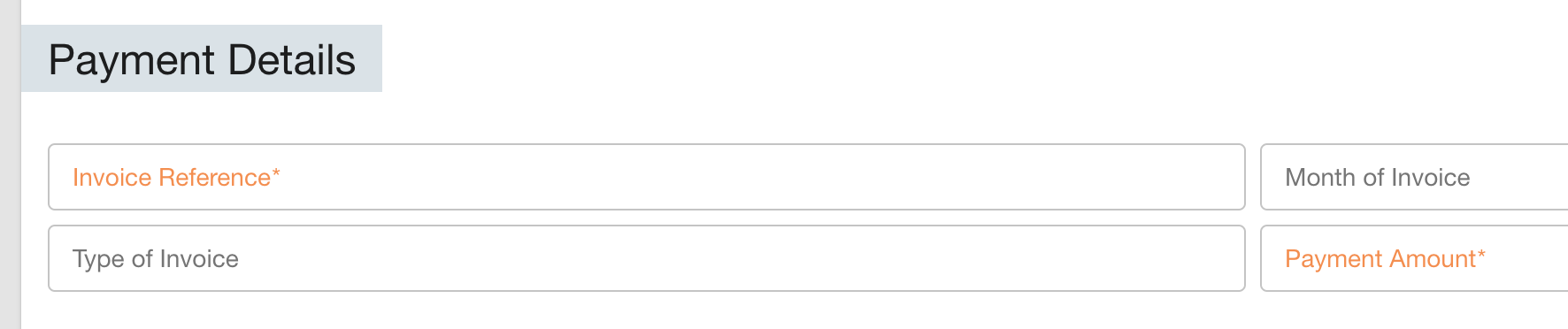
"Type of Invoice" field will now appear under payment details.
Customer Details
For changing payee fields head to the following section:
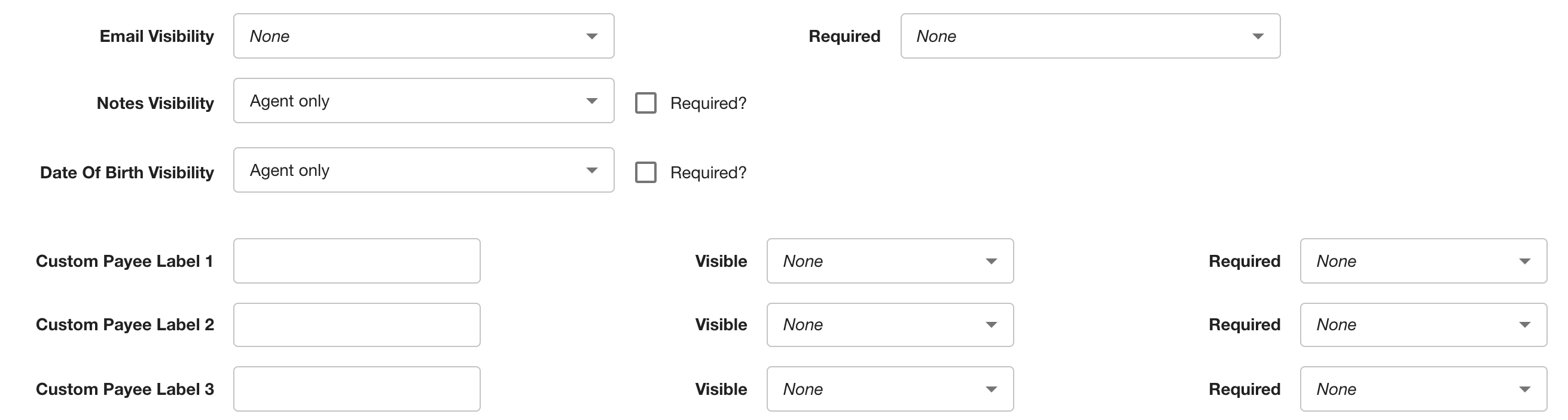
Here you can add custom fields, change fields visibility and make them required or not for payment.
You can also choose whom to make them visible to: Agents, customers, both or none.
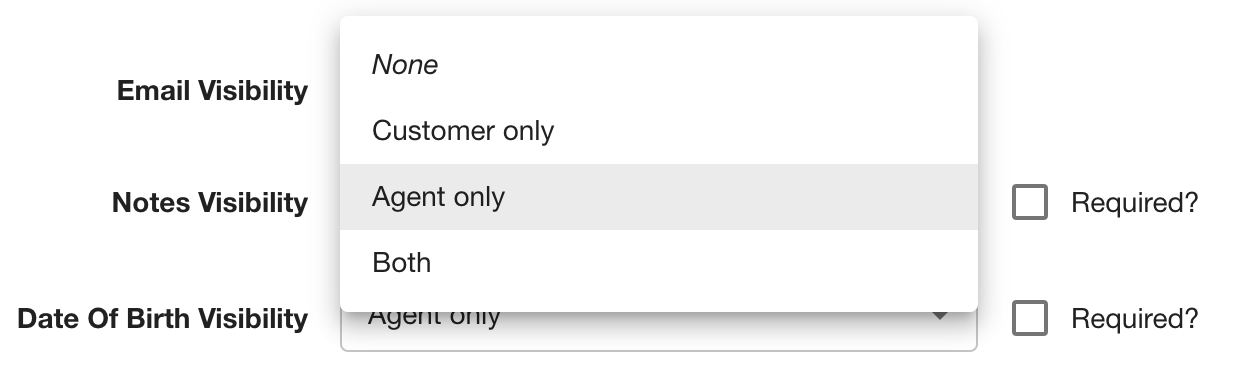
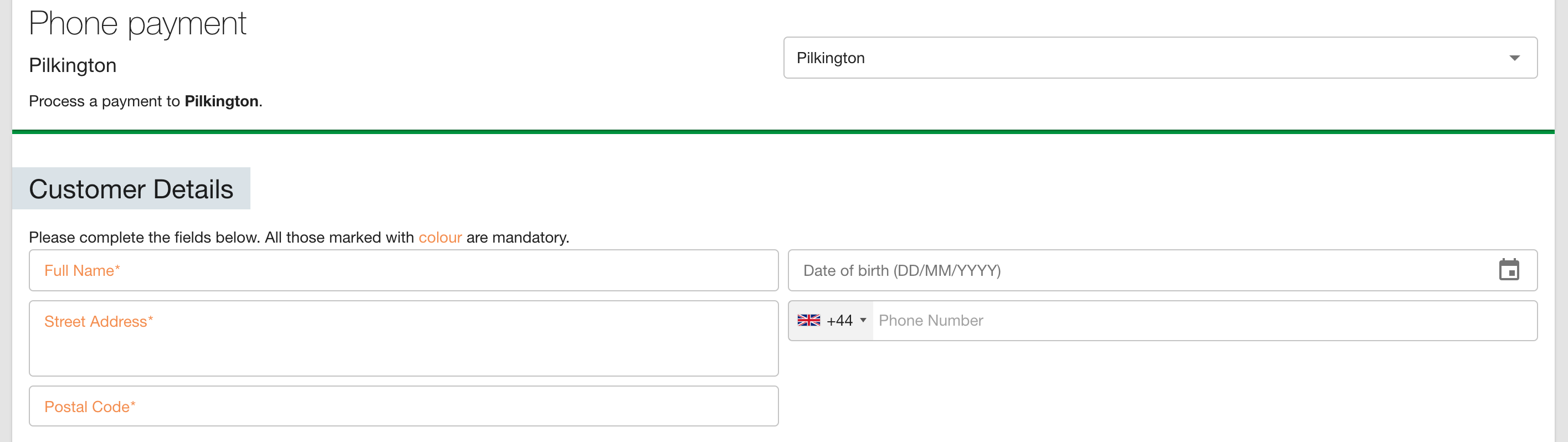
Changes made will reflect on the customer details section of the payment page.
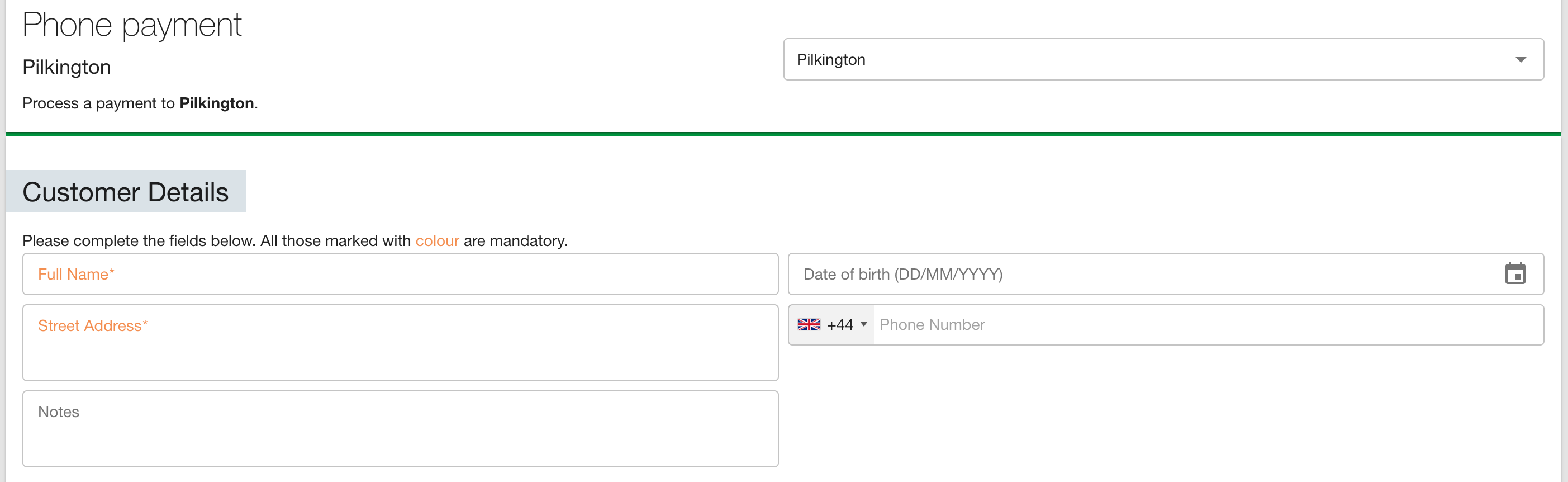
For example, to remove "Notes" field, simply select "None" under "Notes Visibility".
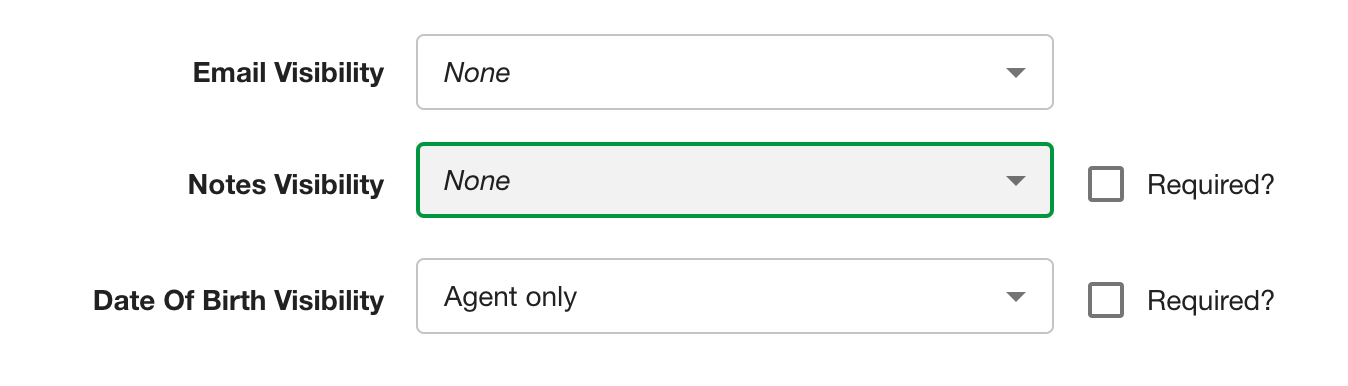
"Notes" field will no longer appear.
To add a custom payee field, select the name of the field you wish to create and visibility and required options.

See Also
See Taking a phone payment for further information on the payment page.