
Appearance
Accessing the Payment Portal
Logging in
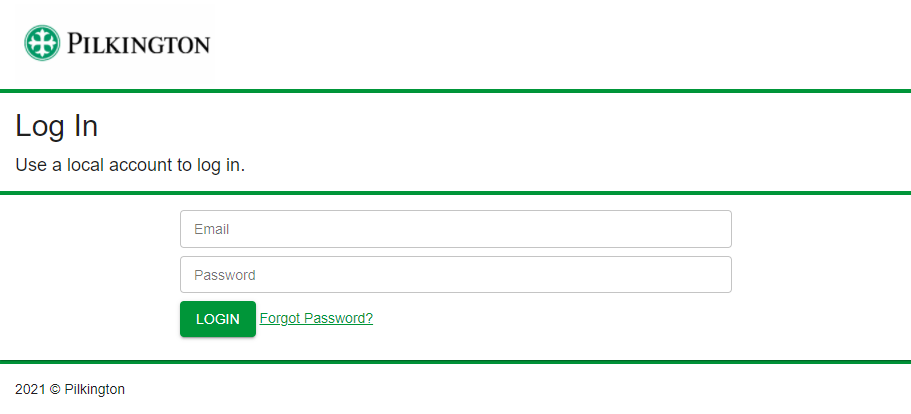
The login page for users can be found at the following URL - https://manage.paypilkington.co.uk.
Credentials after migration
If this is the first time logging in to the new system, you may use the credentials you had used on the old system previously, but you may be asked to change your password.
If you receive the error "Incorrect user name or password", please visit the following help topic:
Account lockout
If you have used an incorrect password 6 times, your account will be locked out for 30 minutes automatically. You may speak to a Pilkington site administrator to remove the lock, or you may also reset your password to remove the lock.
If you have not signed in to your account in 90 days, your account will be permanently suspended. You may speak to a Pilkington site administrator to reinstate your account.
Password expiry policy
Every 90 days you will be asked to change your password. You may not use any previously used passwords.