
Appearance
View or Refund Transactions
Viewing Transactions
To search for a transaction, navigate to the "Transactions" menu on the top left of the screen.
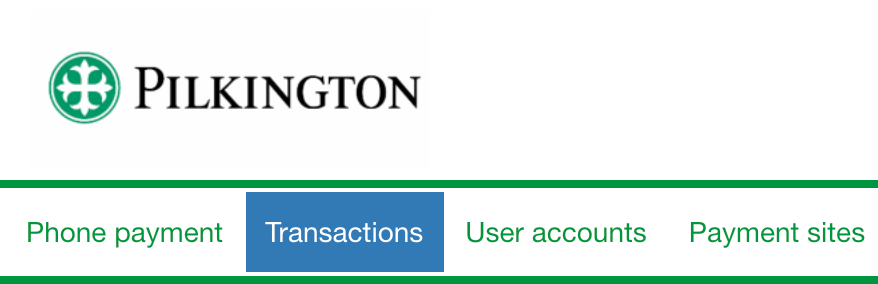
Once there, you can search for a transaction using any of the identifiers available.

Once you have found the transaction you were looking for, click the highlighted transaction ID to open it.
Refunding a Transaction
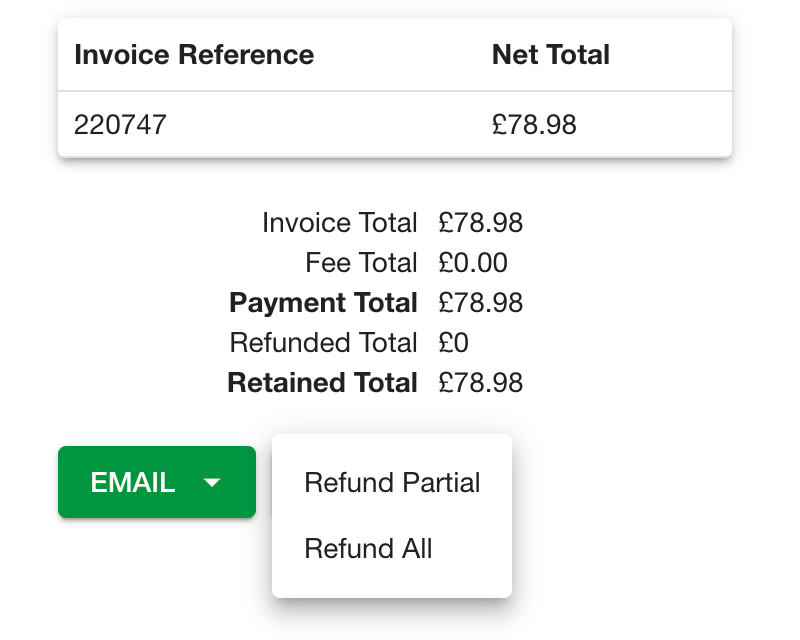
Once you have the transaction you want to refund opened, select "Refund".
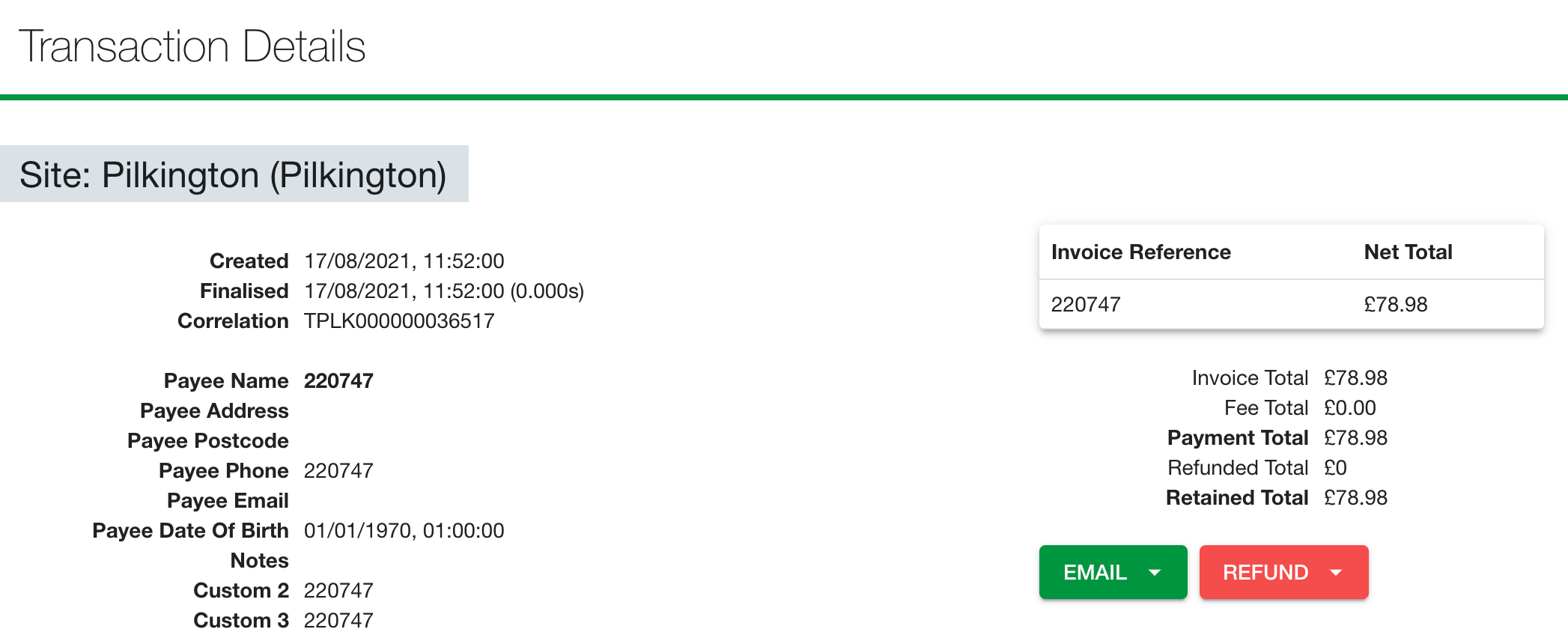
You can then choose between a partial or full refund.
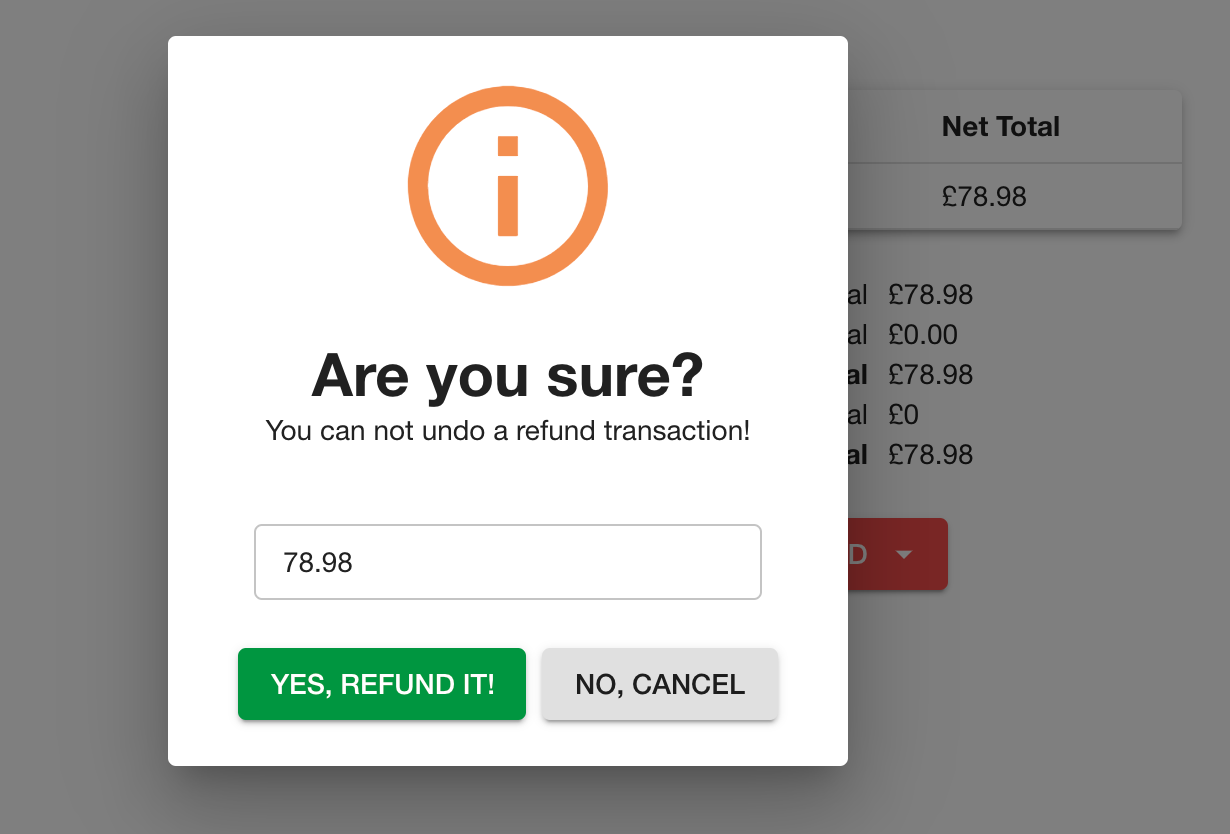
To finalise the refund, confirm the refund value and click "Yes, refund it!"
Permission Required
Only users of Supervisor and Admin teams can perform a refund.
For information on granting or removing permissions, please review Modifying User Permissions.