Appearance
Taking a Phone Payment
Step 1. Sign in to the portal
First, you'll need to access the payment portal. For detailed instructions, see Accessing the Payment Portal.
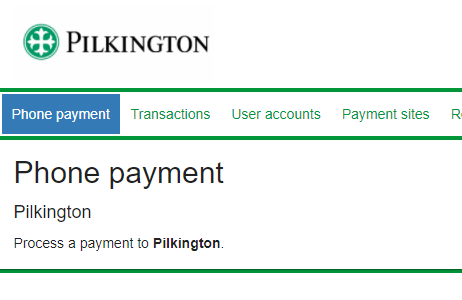
Step 2. Navigate to 'Phone payment'
Visit the 'Phone payment' link in the top navigation bar.
Step 3. Enter the account holder and invoice details
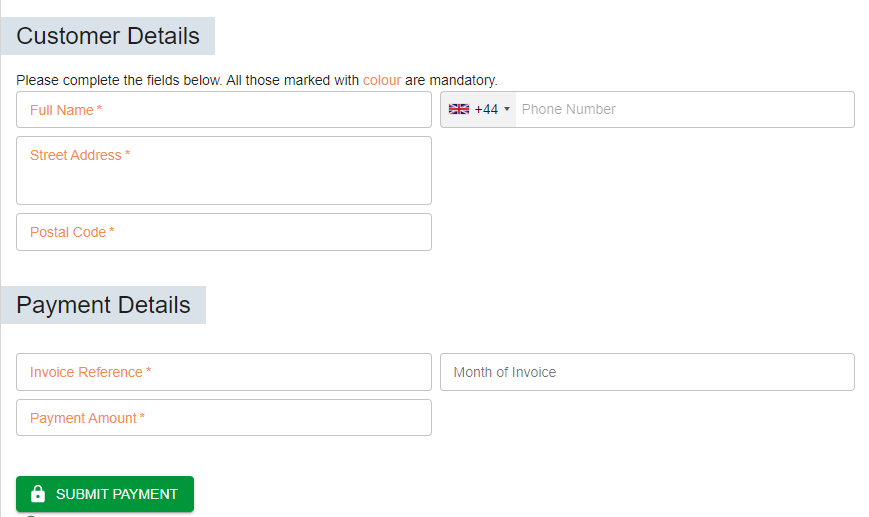
Fill out the required account holder and invoice fields. The card details will be collected on the next screen. The fields on this page are configurable by the Pilkington site administrator. A payment receipt may be sent to the captured email address.
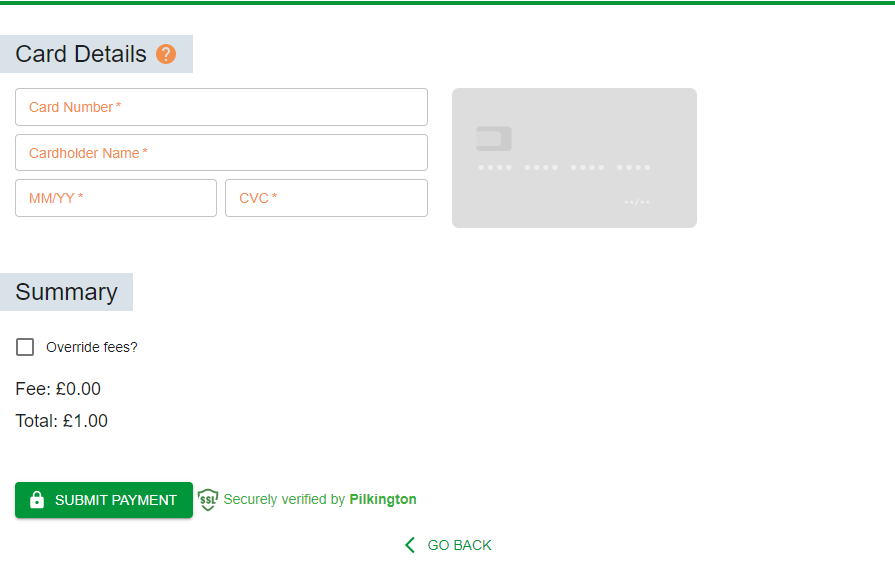
Step 4. Capture the customer card details
Optionally, an authorized user can add or remove a payment fee. The default fees can be configured by a Pilkington site administrator.