
Appearance
Resetting Your Password
The login page for users can be found at the following URL - https://manage.paypilkington.co.uk.
First access / password reset
If this is the first time logging in to the new system, you may use the credentials you had used on the old system previously.
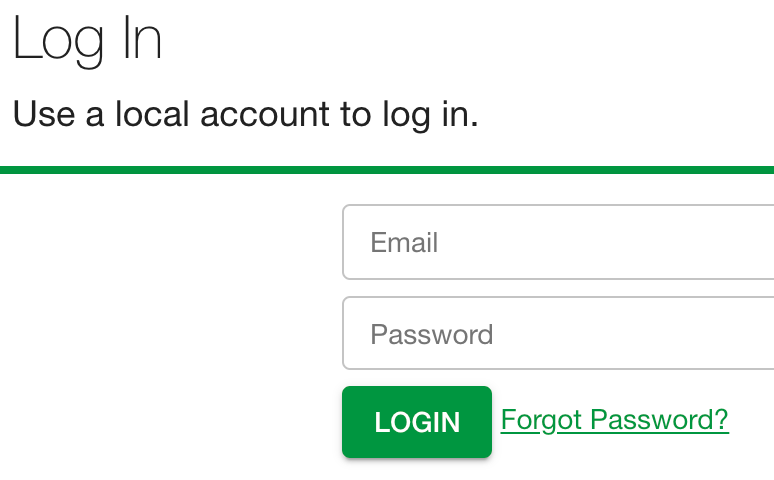
If you are unable to login or receive the following error "Incorrect user name or password", click on the "Forgot password?" link pictured below.
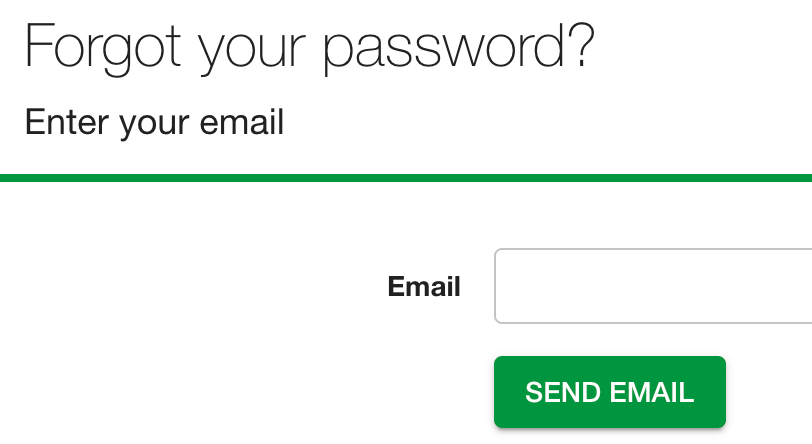
Enter your account's email to be sent the reset password link.
You should receive an email with the password reset link.
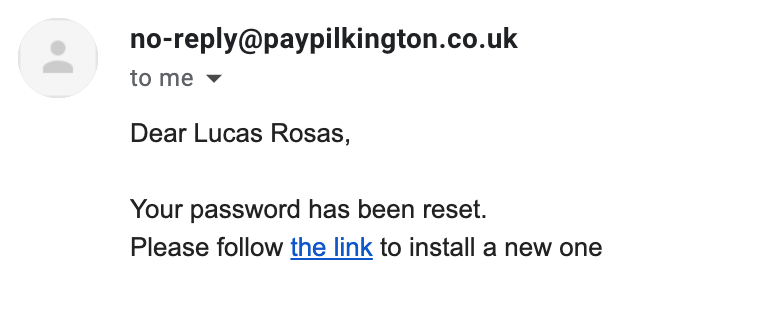
After clicking this link you may choose a new password.
Password requirements
- Minimum 8 characters
- At least 1 uppercase letter
- At least 1 lowercase letter
- At least 1 number
Password Changes
You will be asked to change your password automatically every 90 days.